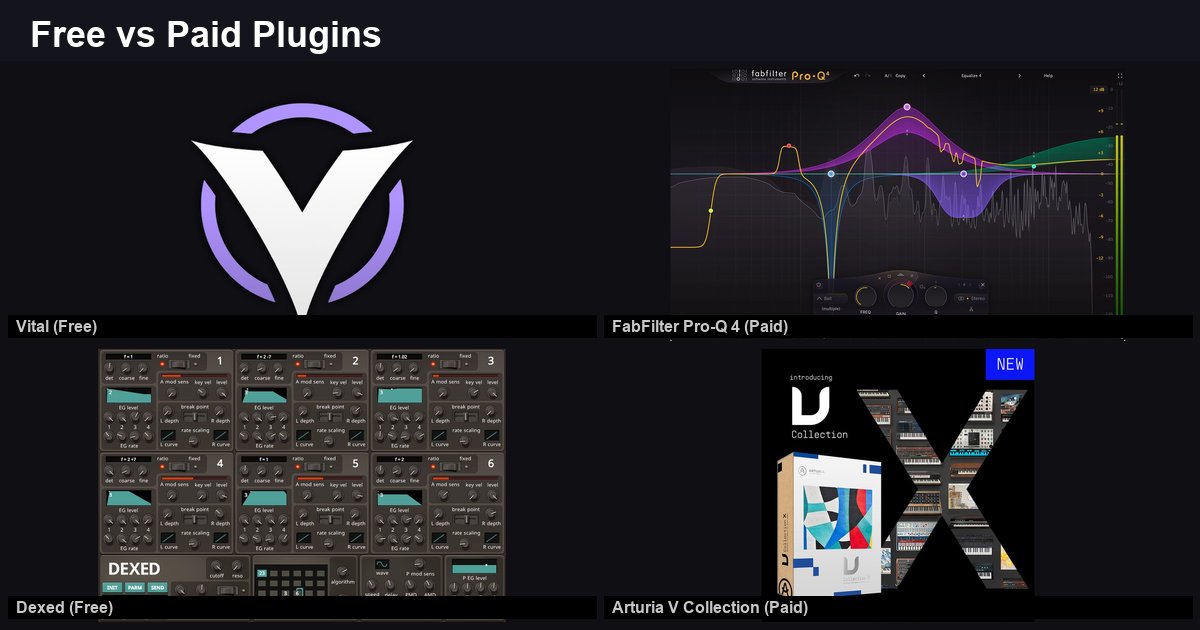
Free Plugins vs Paid — When Is It Worth Upgrading?
TL;DR: Free plugins cover roughly 80% of production needs. Paid upgrades make sense when you need a specific workflow feature, not just “better sound.” Here is a category-by-category breakdown of where free holds up and where paid pulls ahead.
EQ: TDR Nova (Free) vs FabFilter Pro-Q 4 (Paid)
TDR Nova — Free
Four dynamic EQ bands, each switchable between static and dynamic mode. High-pass and low-pass filters. Spectrum analyzer. Handles surgical EQ work and gentle dynamic correction. Full article here.
FabFilter Pro-Q 4 — $189 (often on sale)
Up to 24 bands, per-band mid/side processing, dynamic EQ on every band, linear phase mode, spectrum grab (EQ Match), surround support, and a resizable interface. Current deal.
What Paid Gets You
| Feature | TDR Nova (Free) | FabFilter Pro-Q 4 ($189) |
|---|---|---|
| EQ Bands | 4 | Up to 24 |
| Dynamic EQ | Yes (4 bands) | Yes (all bands) |
| Mid/Side per band | No | Yes |
| Linear Phase | No | Yes |
| Spectrum Grab / Match | No | Yes |
| Surround/Atmos | No | Yes |
When to upgrade: When you regularly need mid/side processing per band, more than 4 dynamic bands simultaneously, or work in surround formats. For standard stereo mixing with 4 or fewer problem frequencies, TDR Nova handles the job.
Reverb: Valhalla Supermassive (Free) vs Valhalla VintageVerb ($50)
Valhalla Supermassive — Free
18+ modes focused on massive reverb tails, delays, and experimental warp effects. Infinite decay. Reverb/delay hybrid. Full breakdown.
Valhalla VintageVerb — $50
Classic reverb algorithms — Concert Hall, Bright Hall, Plate, Room, Chamber, Sanctuary, and more. Modeled after hardware reverb units from the 1970s-1980s. Color control for vintage or modern character.
What Paid Gets You
| Feature | Supermassive (Free) | VintageVerb ($50) |
|---|---|---|
| Focus | Massive/experimental | Classic/traditional |
| Room/Hall algorithms | Limited | Full suite |
| Vintage hardware character | No | Yes (1970s-80s modeling) |
| Plate reverb | Basic | Detailed |
| Ambient/drone capability | Excellent | Limited |
| Delay integration | Built-in | Separate |
When to upgrade: When you need realistic room, hall, or chamber reverbs for mixing. Supermassive excels at ambient and experimental textures but is not designed as a traditional mixing reverb. VintageVerb fills that gap at $50. For plate reverb specifically, also consider watching for Soundtoys Little Plate when it goes free.
Synth: Vital (Free) vs Serum ($189)
Vital — Free Tier
Three wavetable oscillators, spectral warping, drag-and-drop modulation, visual interface, MPE support. 75 presets in the free tier. Full synthesis engine available at $0. Full article.
Serum — $189 (or $9.99/month rent-to-own via Splice)
Two wavetable oscillators, sub-oscillator, noise oscillator, advanced unison with multiple modes, wavetable editor with formula-based generation, and the largest third-party preset ecosystem of any soft synth.
What Paid Gets You
| Feature | Vital (Free) | Serum ($189) |
|---|---|---|
| Wavetable Oscillators | 3 | 2 + sub + noise |
| Drag-and-drop mod | Yes | Yes |
| Wavetable editor | Basic import | Advanced (formula, draw) |
| Unison modes | Standard | Multiple voicing options |
| Third-party presets | Growing | Massive ecosystem |
| Rent-to-own | No | Yes (Splice) |
When to upgrade: The preset ecosystem is Serum’s biggest advantage — tens of thousands of third-party preset packs across every genre. If you rely heavily on presets or need advanced wavetable editing with formula generation, Serum’s ecosystem is unmatched. For synthesis capability alone, Vital’s free tier covers the core workflow.
The General Rule
Free plugins fall short in three specific areas:
- Workflow efficiency — Paid plugins often have better UIs, faster recall, and quality-of-life features (resizable windows, better preset management, undo systems)
- Specific algorithms — Certain sounds require specific modeling that free versions do not offer (hardware emulations, proprietary processing)
- Ecosystem and presets — Paid plugins with large user bases have more tutorials, presets, and community resources
Free plugins match or exceed paid in:
- Core sound quality — Vital, Surge XT, TDR Nova, and Supermassive produce output that competes with their paid counterparts
- Learning — Free plugins teach the same synthesis, EQ, and reverb concepts as paid ones
- CPU efficiency — Many free plugins are lighter on resources than their paid alternatives
FAQ
Q: Should beginners start with free or paid plugins? A: Free. Learn synthesis, mixing, and effects processing with free tools first. Upgrade once you identify a specific limitation that a paid plugin solves. See our best free VST plugins roundup for where to start.
Q: Do paid plugins sound “better”? A: Not inherently. Sound quality depends on the specific plugin, not its price. Some free plugins (Vital, Supermassive) are widely regarded as competing with paid alternatives in sound quality. Paid plugins more often offer workflow advantages rather than raw sound improvements.
Q: What is the best first paid plugin purchase? A: Depends on the gap in your setup. For EQ, FabFilter Pro-Q is the most common recommendation. For reverb, Valhalla VintageVerb at $50 is the best value. For synths, Serum’s rent-to-own at $9.99/month via Splice makes entry easy. Check Plugin Boutique deals for current pricing.
The Bottom Line
Free covers 80% of production needs. Upgrade when you hit a specific workflow limitation — not because a plugin costs money. The best approach: start free, identify the gaps, then buy during sales.